Timeline with keyframes
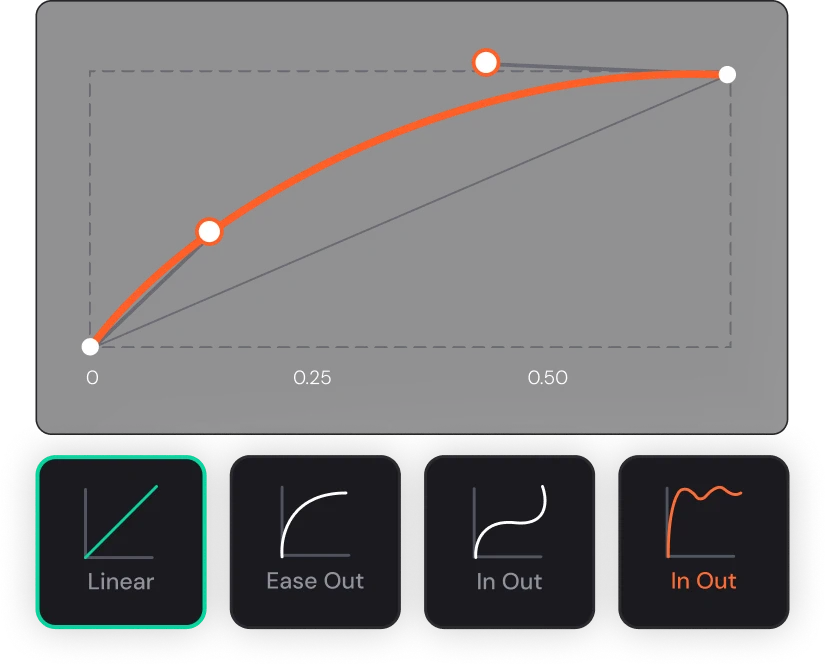
Position, scale, rotation, opacity — with custom easing per curve.

Motion
Keyframes, custom easing, precomps, and audio — the static piece becomes a campaign video without leaving the tab. And when the shot calls for AI, Veo and Kling are on the same canvas.

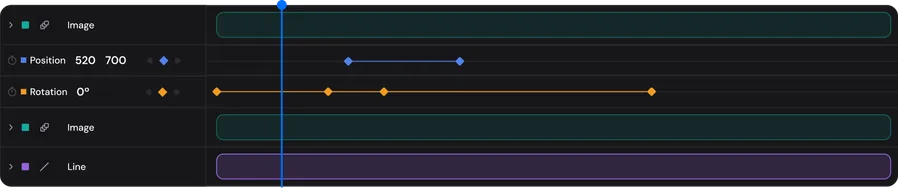
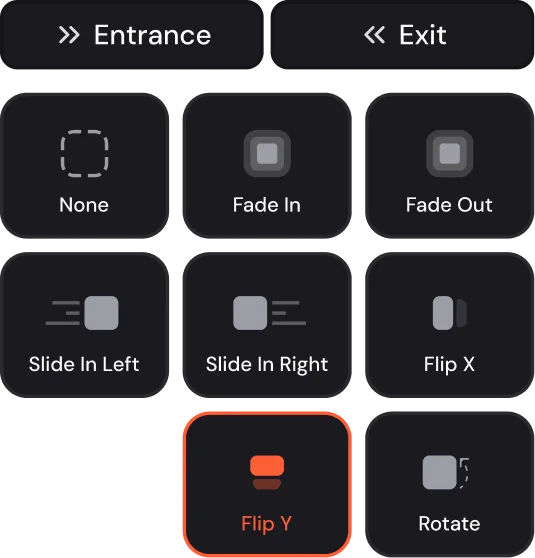
Timeline, easing curves, and presets — the product's real panels, not an illustration.
Any design becomes a motion composition with one click — or start straight on the timeline.
Keyframes, easing curves, in/out presets, precomps, and video trim.
Narration and music in Audio Studio, MP4 up to 8K on the way out — or convert it back to static.
Who it's for
For people who make campaign and social motion: After Effects is overkill (and a render farm), Canva has no easing curve. Built by people who animated for FOX and Nickelodeon before founding Trakto.
What's actually real
A real timeline — not an entrance preset with a fancy name.
Position, scale, rotation, opacity — with custom easing per curve.
Typewriter, draw line, and a library of entrances and exits to move fast.
Compositions within compositions, the way the craft demands.
Soundtrack and narration synced to the piece.
Narration with ElevenLabs and Google voices, plus music, right on the platform.
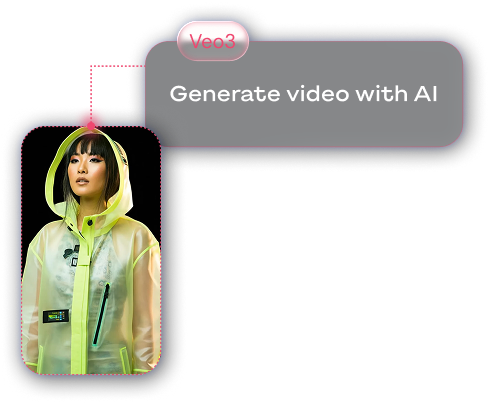
Image-to-video with Veo; Video Studio with T2V, I2V, extend, and VFX.
The same piece moves between both worlds with no rework.
MP4 in high resolution, straight from the browser.
Questions that reach us
For campaign and social motion — animating pieces, entrances and exits, precomps, audio — yes, in the browser. For feature-film VFX, that's not the job.
Yes. Image-to-video with Veo is native, and Kling and Seedance are on the same canvas when the shot needs another style.
MP4 up to 8K, rendered in the cloud — without slowing down your machine.
No. Presets handle the day to day; the keyframe timeline is there when you want fine control.