Chained generation
Image, video, design, audio, variations — one node's output feeds the next.

Flow · node-based
A canvas of nodes that chains image, video, design, and variation generation — with Brand DNA applied. Volume with judgment, not a soup of generations.
 Image source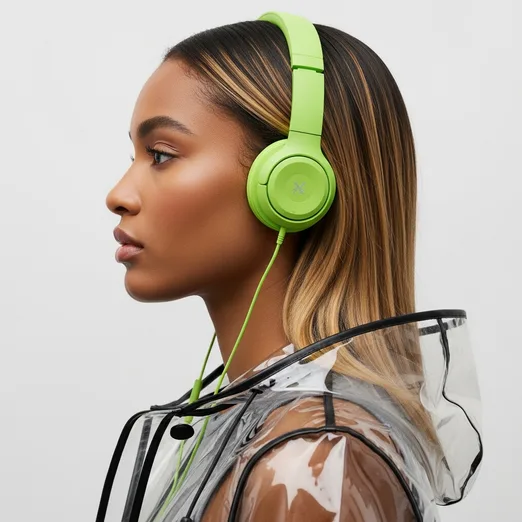
 Variations
 Video
Video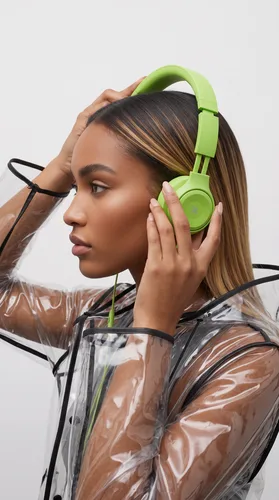

 Render
 Raphael
 Duda
Duda Share linkShare a public link for viewing
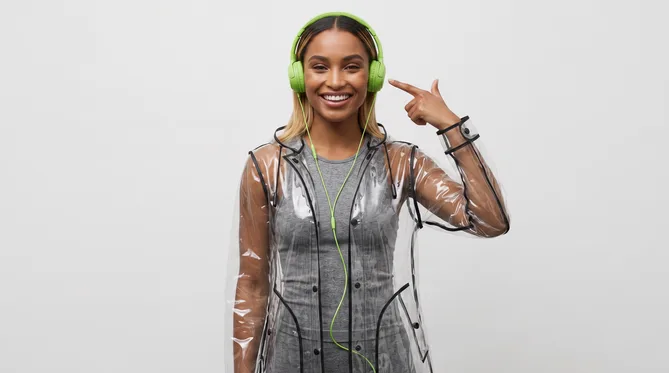
The nodes from the product's official banner — image → variations → video, with live collaboration. This is what Flow looks like.
Drag nodes: generate image, animate, decompose into layers, expand, vary, resize.
Each node uses the right model — Gemini, Veo, Seedream, Kling — and your brand comes in through Brand DNA.
The output grid becomes an editable document in the editor. Adjust a node, run it again.
Who it's for
For advanced makers and creative technologists tired of repeating the same prompt 40 times: the pipeline is designed once and produces in batch, with brand consistency.
What's actually real
Every node is a job — not a filter with a fancy name.
Image, video, design, audio, variations — one node's output feeds the next.
Expand, inpaint, improve, decompose into layers, VFX, and multi-format resize.
The node that takes the static piece and returns motion.
Gemini (Nano Banana, Flash, Pro), Imagen 4, Seedream, Ideogram, GPT Image.
Veo 3 and Veo 2, Seedance, Kling 3 Pro, MiniMax, FLUX — and Omni in beta.
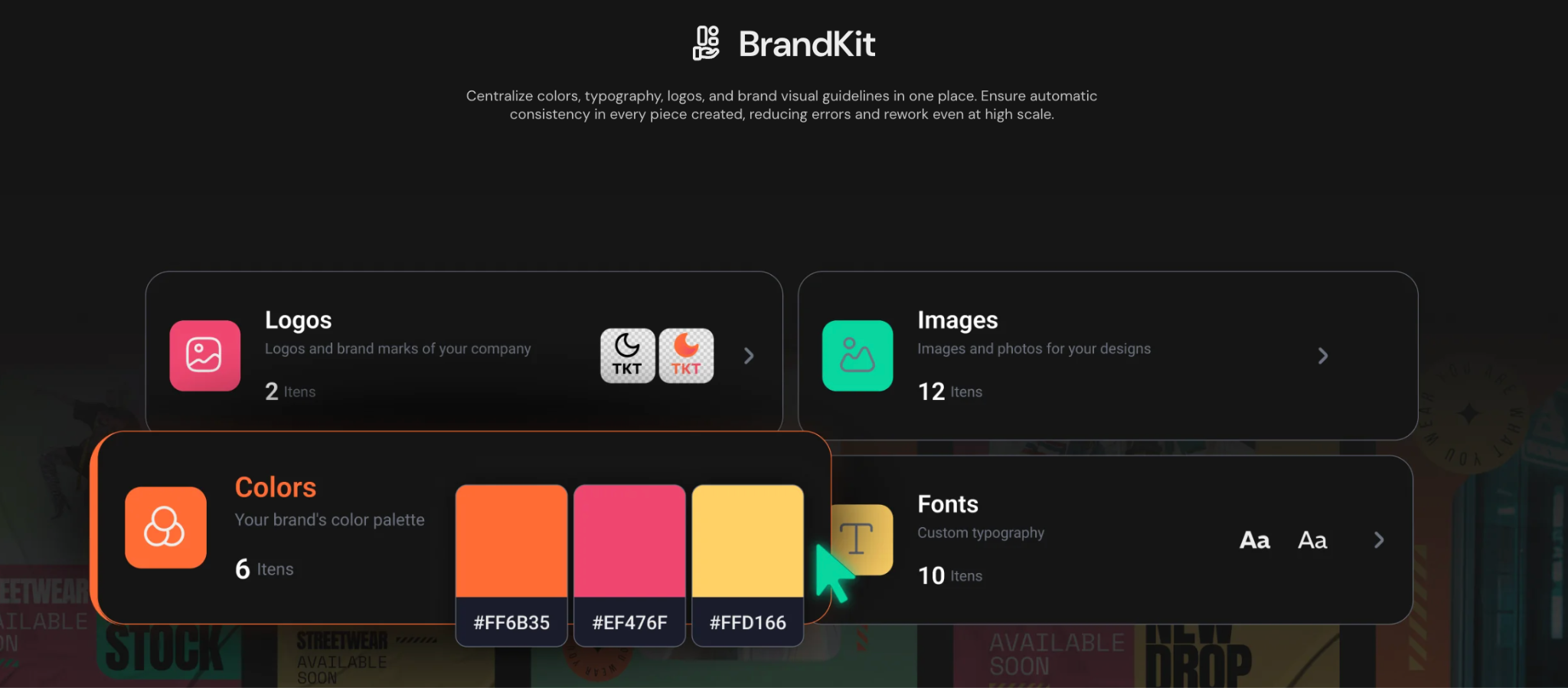
generate-design is born on your brand, not on the internet's average.
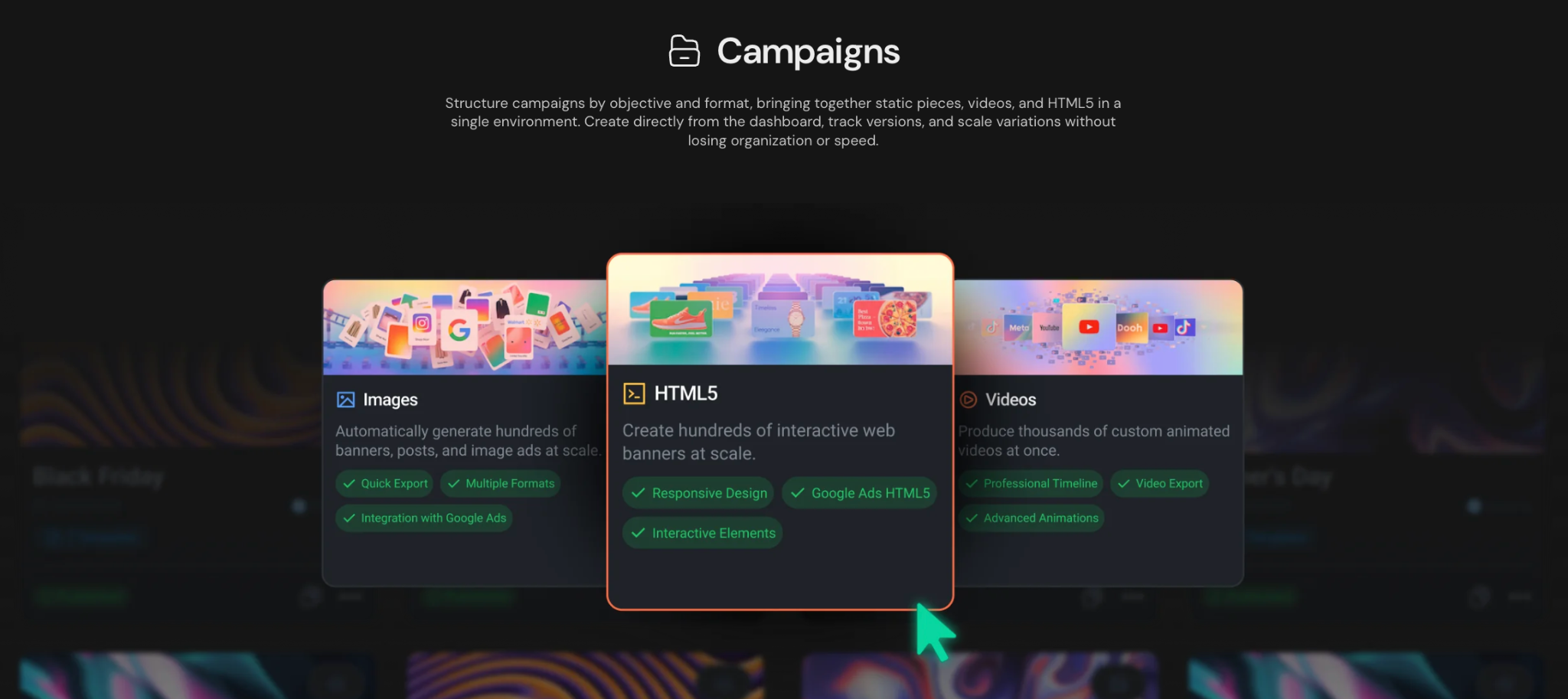
A good flow becomes a template the whole team can run.
Describe the flow in text and the copilot builds the canvas (beta).
Questions that reach us
No — it's a pipeline. Generators make one image per prompt; Flow chains generation, editing, layer decomposition, and variations in a graph that runs in batch.
Yes. Whatever Flow produces opens as a document in the editor, with layers — not a final JPG.
Gemini, Imagen 4, Seedream, Ideogram, and GPT Image for images; Veo 3, Seedance, Kling 3 Pro, MiniMax, and FLUX for video.